
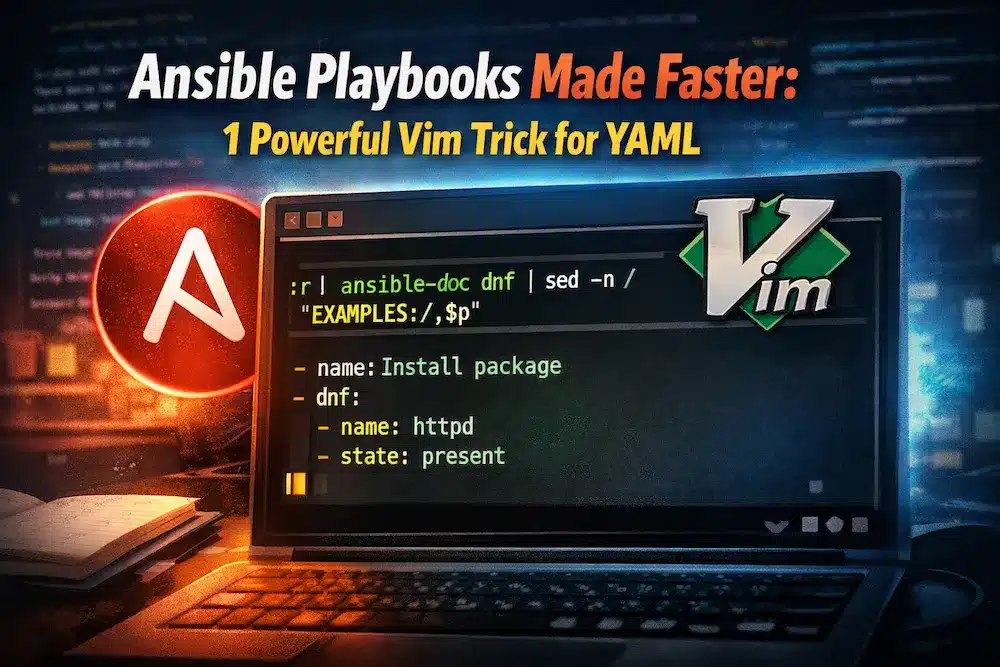
If you have ever sat down to write an Ansible playbook and immediately opened five browser tabs to look up syntax, you are not alone. Most sysadmins and DevOps beginners follow the same painful loop: open a blank YAML file, Google the module, copy an example, paste it in, tweak it, break it, and repeat.
There is a better way. One that does not require switching windows, trusting random Stack Overflow answers, or typing from memory.
In this post, you will learn a Vim workflow that pulls authoritative Ansible module documentation directly into your playbook as you write it. No browser. No copy-paste. Just accurate, official examples, right where you need them.
Why Writing Ansible Playbooks From Scratch Wastes Your Time
Writing Ansible playbooks from a blank file feels productive. You are authoring automation. You are in control. But the reality is that most of that time is spent on tasks that have nothing to do with logic or problem-solving.
Here is what the typical from-scratch workflow actually looks like:
- Open a blank YAML file
- Search for the module you need
- Skim through documentation or a forum post
- Copy an example into your editor
- Fix indentation errors
- Run the playbook
- Debug why it failed
- Repeat
The problem is not that you are writing YAML. The problem is that you are working from memory and from secondary sources that may be outdated, incomplete, or just plain wrong.
Ansible module syntax changes between versions. Examples on forums are not always tested. And typing task parameters by hand is one of the most common sources of YAML errors, especially for anyone studying for the RHCE or building production automation for the first time.
RELATED: BUILDING A HOMELAB TO PRACTICE ANSIBLE STARTS HERE
What ansible-doc Actually Gives You
Ansible ships with a built-in documentation tool called ansible-doc. It is available on any system where Ansible is installed, and it gives you complete module documentation straight from the source.
Run this in your terminal to see it in action:
ansible-doc dnfYou will see the full documentation for the dnf module, including parameters, return values, and working examples. This is not a third-party guide. This is the actual documentation that ships with the module itself.
You can use ansible-doc with any module; below are some example modules to try:
ansible-doc copy
ansible-doc service
ansible-doc user
ansible-doc firewalld
The EXAMPLES section at the bottom of each module doc is the most useful part. Those examples are tested, maintained, and version-appropriate for your installed Ansible release.
The Vim Command That Changes Your Workflow
Here is the command that makes this all click together. You run this directly inside Vim while editing your playbook:
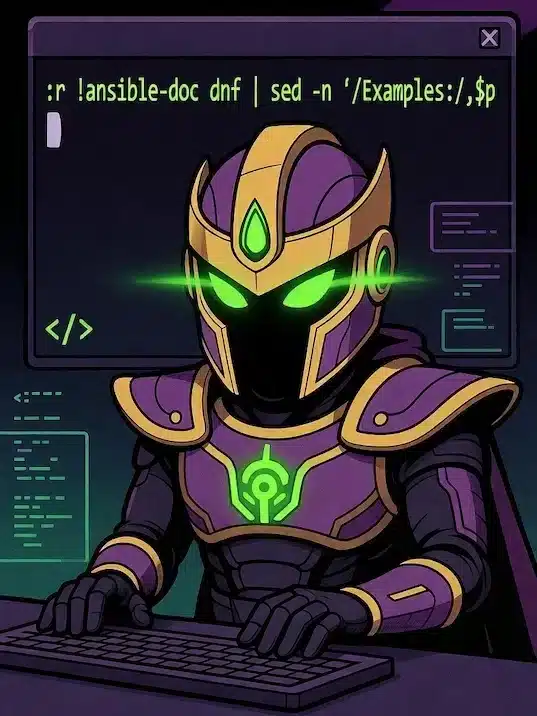
:r !ansible-doc dnf | sed -n '/EXAMPLES:/,$p'This single line pulls the official module examples from the command line and inserts them directly into your open file at the cursor position. No switching windows. No copy-paste. No browser.
Breaking Down the Command
:r ! is a Vim built-in that reads the output of a shell command and inserts it into the current buffer at the cursor. The exclamation mark tells Vim to run what follows as a shell command rather than a Vim command. This is what makes Vim feel like more than just a text editor.
ansible-doc dnf calls the Ansible documentation tool for the dnf module. You can swap out dnf for any module name depending on what your playbook needs. The output includes the full documentation, options, and examples for that module.
sed -n '/EXAMPLES:/,$p tells sed to print everything from the line containing EXAMPLES: to the end of the file. This strips away all the parameter descriptions and return value documentation, leaving you with only the working examples you actually need.
The result is a clean block of working YAML examples inserted right into your playbook, ready for you to edit.
How to Use This in a Real Playbook
Here is exactly how to put this into practice when writing a real playbook. This example uses the dnf module to install packages on a RHEL-based system.
- Start your playbook header. Write the play definition first, including your hosts, become settings, and any vars you need. This part you know.
---

- name: Configure web server

 hosts: webservers

 become: true

tasks: - Position your cursor under the tasks key. Move to the line where you want your tasks to begin.
- Run the command in Vim. Type the following in normal mode:`:r !ansible-doc dnf | sed -n ‘/EXAMPLES:/,$p’
- Delete what you do not need. The inserted block will include multiple example tasks. Use Vim’s dd command to delete lines, or visually select blocks with V and delete with d.
- Modify what you do need. Change package names, state values, or any parameters to match your actual requirements.
- Run and test immediately. Your task block is built from verified, official syntax, so you start from a known-good baseline instead of debugging from scratch.
The key mindset shift is this: you are not writing tasks from scratch; you are editing proven ones. That is a completely different starting point, and it saves real time.
Why Vim Is More Than a Text Editor for Ansible Users
Most people think of Vim as a powerful editor for navigating and editing text. And it is. But the :r ! pattern reveals something more fundamental about what Vim can do.
Vim can execute shell commands and pipe their output directly into your file. That means Vim is not isolated from your system. It is connected to it. When you combine Vim with CLI tools like ansible-doc, sed, awk, curl, or any other command-line utility, you turn your editor into an active participant in your workflow rather than a passive place to type.
Documentation stops being something you read in a separate window and becomes something you execute directly into your work. That is the definition of a force multiplier.
For Linux sysadmins working in terminal-heavy environments, this is not just a convenience. It is a workflow philosophy. The more you stay in one context (your editor), the less mental overhead you carry from switching between tools.
Who Should Use This Workflow
This workflow is useful for anyone who writes Ansible playbooks regularly, but it is especially valuable for three groups.
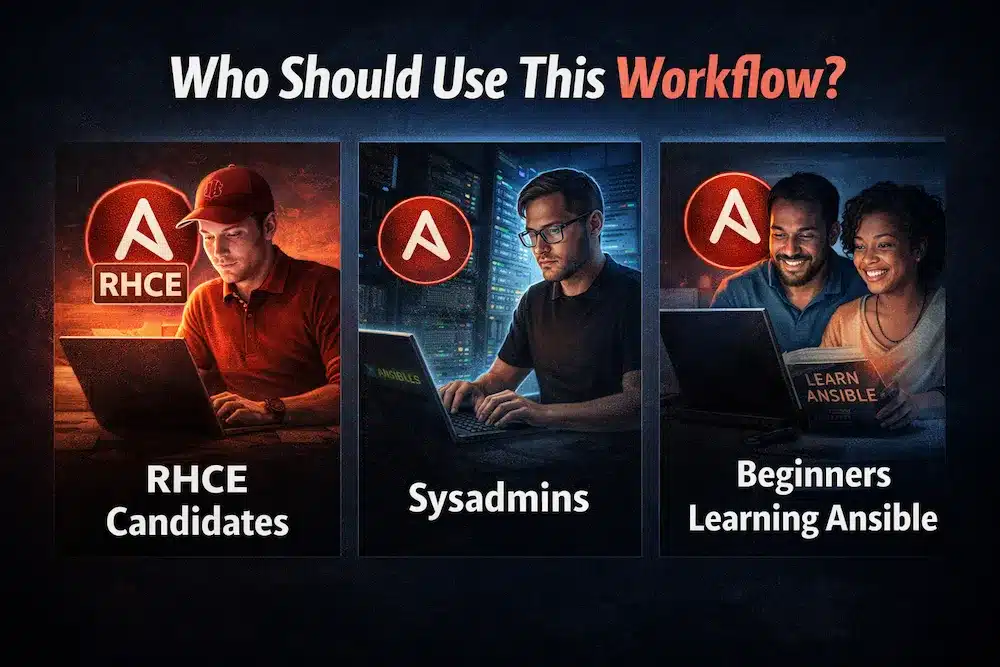
RHCE candidates. The Red Hat Certified Engineer exam tests your ability to write working Ansible automation under time pressure. You will not have internet access. You will have ansible-doc. Learning to use it efficiently during your studies means you will rely on it naturally during the exam, and you will be working from accurate syntax instead of uncertain memory.
Sysadmins building real automation. When you are responsible for production systems, accuracy matters more than speed. Starting from official examples reduces the chance of introducing syntax errors or using deprecated parameters that could cause unexpected behavior in your environment.
Beginners learning Ansible. If you are just getting started with Ansible, this workflow teaches you two good habits at once: using ansible-doc as your primary reference and editing from proven examples rather than typing from scratch. Both habits will serve you for a long time.
Stop Typing From Memory
The shift this workflow asks you to make is simple: stop treating documentation as something you read before you write, and start treating it as something you pull directly into your work.
You still write the play header. You still structure your tasks. You still make the decisions that require actual knowledge. But for the syntax details that are easy to get wrong and time-consuming to debug, you let the official documentation do the heavy lifting.
The next time you open a playbook in Vim, try it:
:r !ansible-doc | sed -n '/EXAMPLES:/,$p'Swap in the module name, delete what you do not need, modify what you do, and run it. You will immediately see the difference between working from scratch and working from a source.
That is what Vim as a force multiplier actually means in practice.